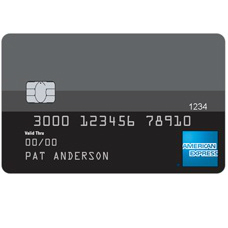
How to Apply for a Dairy State Bank American Express Travel Rewards Credit Card
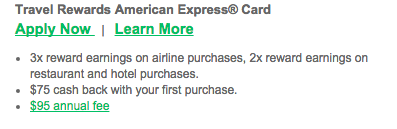
Rate This Credit Card Apply NowThe Dairy State Bank American Express Travel Rewards Credit Card offers cardholders a great rewards program for the low annual fee of $95. You can earn 3x points per $1 spent on airline purchases and 2x points for every $1 spent on hotel and restaurant purchases. If you are not sold already, the application process takes no more than ten minutes to complete. If you are looking to expedite that process even further you can make use of our tutorial that is available below that will walk you through every step of the application process in a clear and detailed manner.
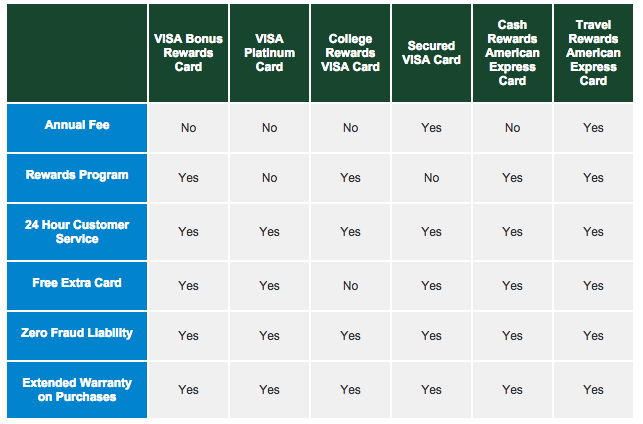
If you are still undecided about which credit card you wish to apply for then use the comparison chart below to help come to an informed decision.
Take a second to review the privacy policy as it explains how your personal information is going to be protected and secured throughout the application process.
Requirements
For the application to be completed successfully applicants must meet the following requirements:
- Be at least 18 years of age or older
- Be a resident of the United States of America
- Have a valid Social Security number
How to Apply
Step 1: Direct your browser to the application homepage, pictured below.
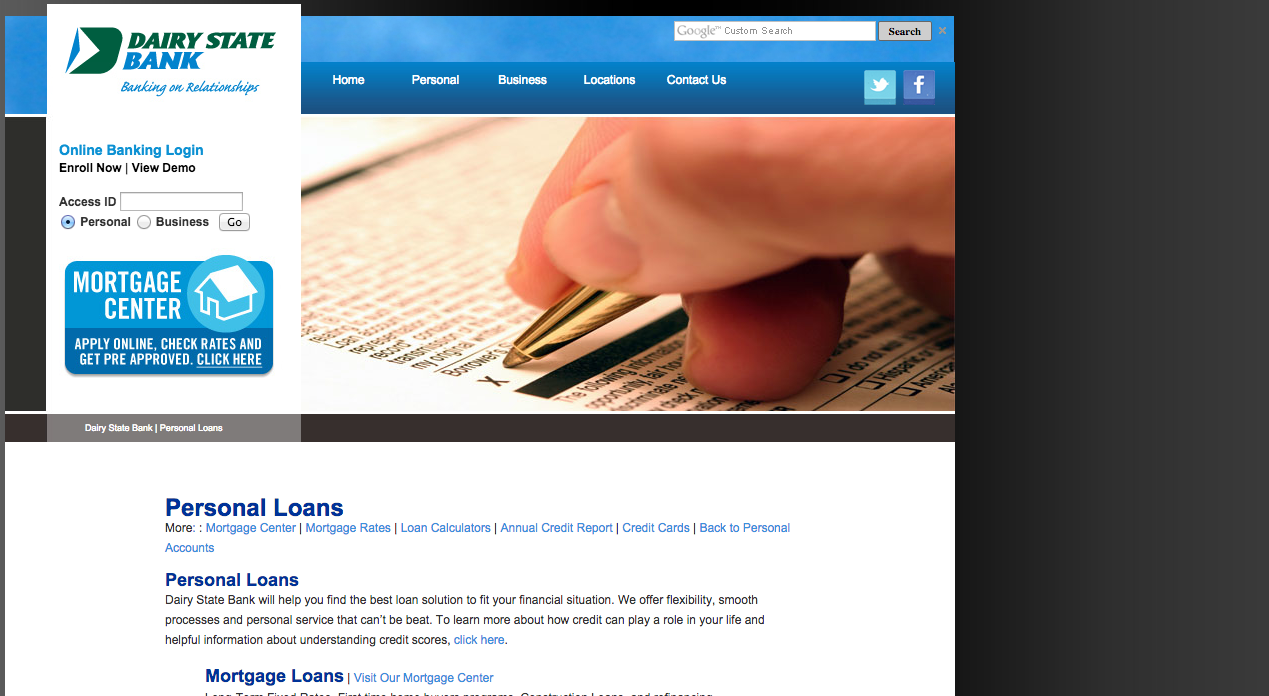
Step 2: Click the Click here to learn more and apply link underneath the Credit Cards heading.

Step 3: Click the Apply Now button.

Step 4: Click the Apply Now button underneath where it says Dairy State Bank American Express Travel Rewards Credit Card.
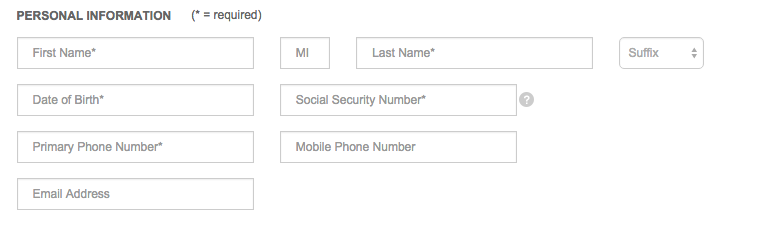
Step 5: Enter the following personal information in the blank spaces provided:
- First and last name
- Date of birth
- Social security number
- Primary phone number
- E-mail address
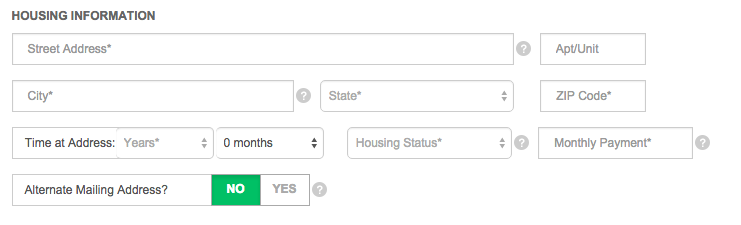
Step 6: Enter the following housing information in the blank spaces provided:
- Street address
- City
- State
- Zip code
- Time at address
- Housing status
- Monthly payment
- Whether your have an alternate mailing address
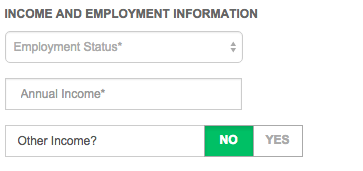
Step 7: Enter the following income and employment information in the blank spaces provided:
- Employment status
- Annual income
- Whether you have other income
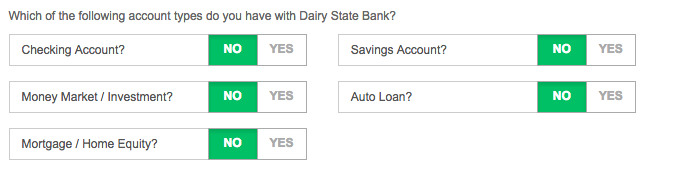
Step 8: Mark Yes or No regarding your possession of the following items:
- Checking account
- Money market/investment
- Mortgage/home equity
- Savings account
- Auto loan
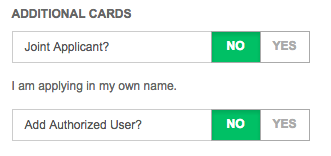
Step 9: Designate whether you wish to add an authorized user and whether this is a joint application.
Step 9: Review the terms and conditions and click the tickbox to consent to them.

Step 10: Click the Submit button to finalize the application process.