Individuals who are looking to apply for Citibank Small Business Credit Card must do so by first navigating to the Secure Application Webpage. The application process takes no more than 10 minutes and approval or rejection of the application will be given instantaneously. The application, like the application for all Citibank Credit Cards, is secured through encryption in order to protect all personal information.
Requirements
Before beginning the application process, ensure that you meet the following requirements:
- You are 18 years of age
- You are an authorized officer for the business with which the card will be registered
- You are a resident of the United States
How to Apply
Each required field on the application page acts like a drop-down menu. In order to access the blank field in which you need to input your information, please click the titled subsections, for example: “Business Name” and “Business Address”.
Step 1: Navigate to the Secure Login Webpage.
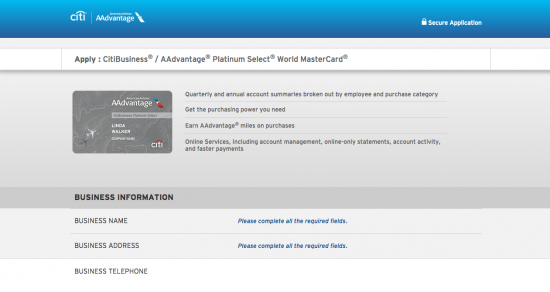
Step 2: Navigate to the “Business Information” section and input the following information in the required fields:
- Business name
- Business address
- Business telephone number
- Revenue and Tax ID
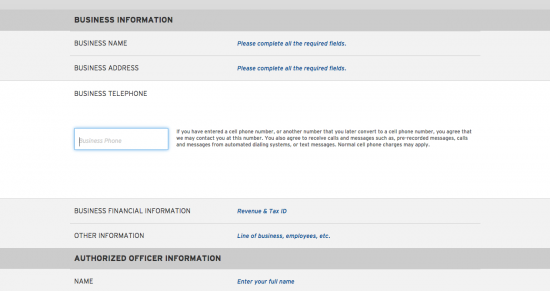
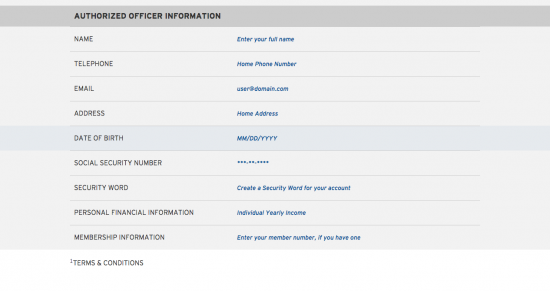
Step 3: Scroll down to the “Authorized Information” section and input the following information in the applicable fields:
- Your name
- Your telephone number
- Your e-mail address
- Your home address
- Your date of birth
- Your social security number
- A security word you will use with your online account
- Your yearly income
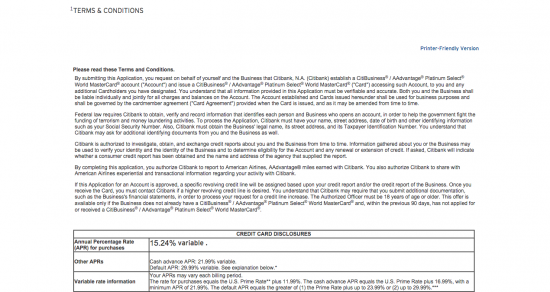
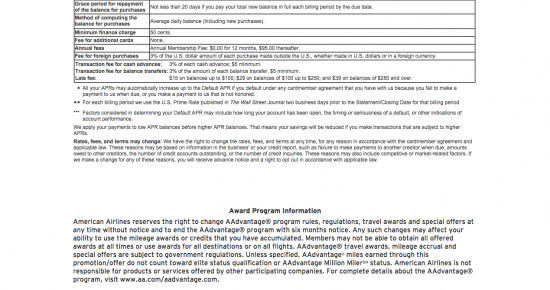
Step 4: Scroll down and review the terms and conditions.
Step 5: Scroll down and click the faded box that confirms you are an authorized officer for the business that the Citibank Small Business Credit Card will be registered with.
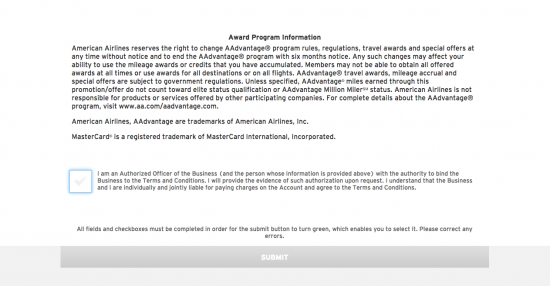
Step 6: Click the “Submit” button at the bottom of the page.
Once you have completed all of these steps, you will receive an immediate confirmation or rejection of your application.