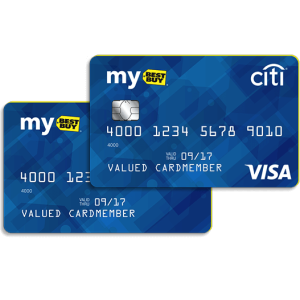
Applying for the Best Buy Credit Card is a simple process which can be completed by anyone with access to the internet. The Best Buy Credit Card has an awfully high interest rate for purchases of 25.49% and has no option for cash advances. While it is often recommended that you do not use the cash advance feature on your card, it is definitely more advantageous to have the option to do so rather than to be without. There is no annual fee with this card and those who are loyal customers of Best Buy will be happy to find out that they have their choice of rewards programs between 5% money back through promotions, or 12 month financing on items $399 and above. This is a great opportunity for individuals who have recently secured a job and are looking to make a large purchase without it taking too much out of those first, essential paychecks. All you have to do in order to apply is follow the simple guide we have created. Just follow the steps and you will be well on your way to being a cardholder of the Best Buy Credit Card.
Before you proceed we highly recommend that you take a few moments to read the online Privacy Policy as it speaks directly to how your valuable personal information is going to be used and protected throughout the application process.
Requirements
In order to complete the application process successfully, applicants:
- Must be 18 years or older
- Must have a valid Social Security number
- Must have a valid and supported photo-ID number
How to Apply
Step 1- Landing page
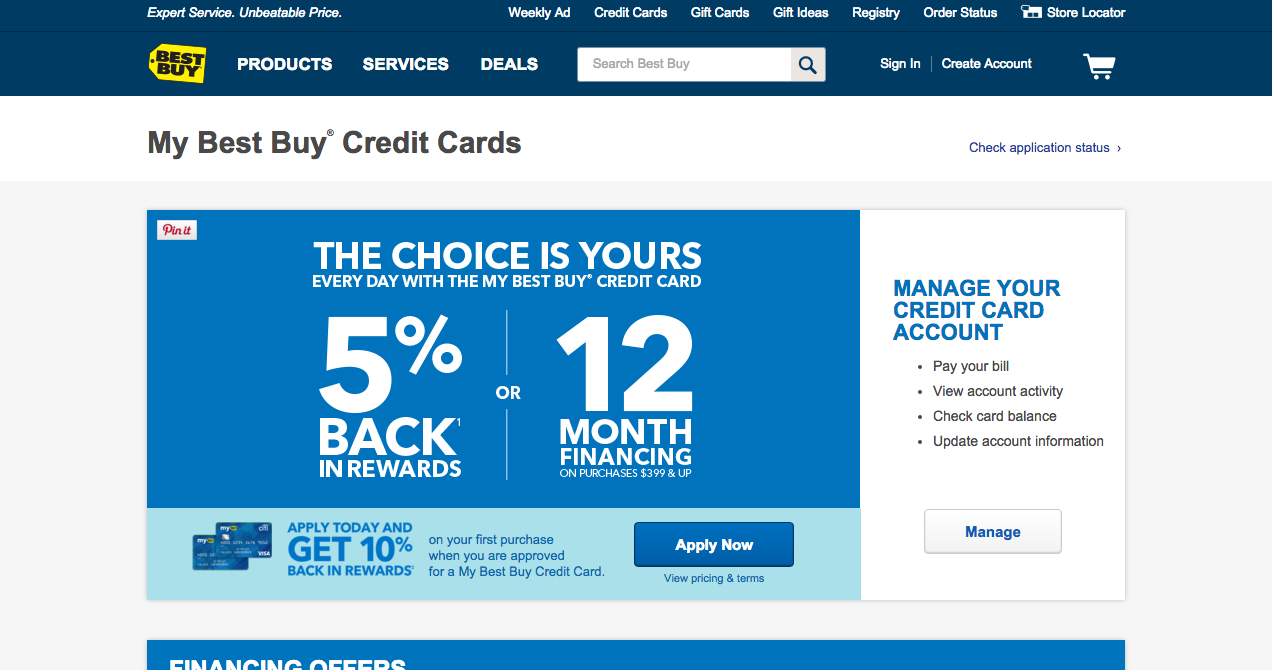
Your first step is to navigate to This Webpage where you will begin the application process. This is the landing page for the online credit card application. The page you will be heading to is pictured below. Once there, click the “Apply Now” button.
Step 2 – Best Buy Account
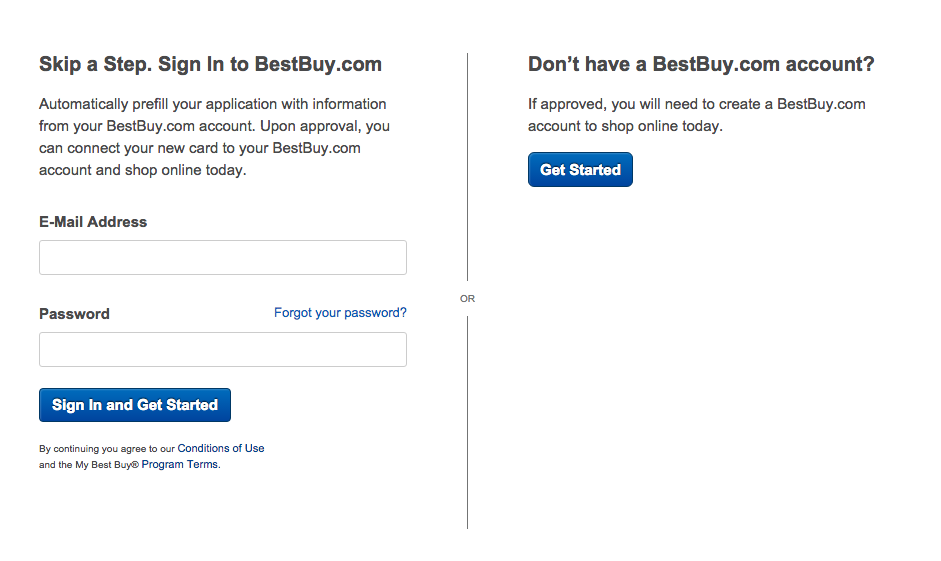
Potential cardholders have two options for applying, one available to everyone and one specifically for those who already have an account at bestbuy.com. If you are a new Best Buy customer, click the large “Get Started” link and continue to the next step. If you are a returning customer, input your login information into the blank spaces provided and click the “Sign In and Get Started” button and continue on to the next step.
Step 3 – Application Completion
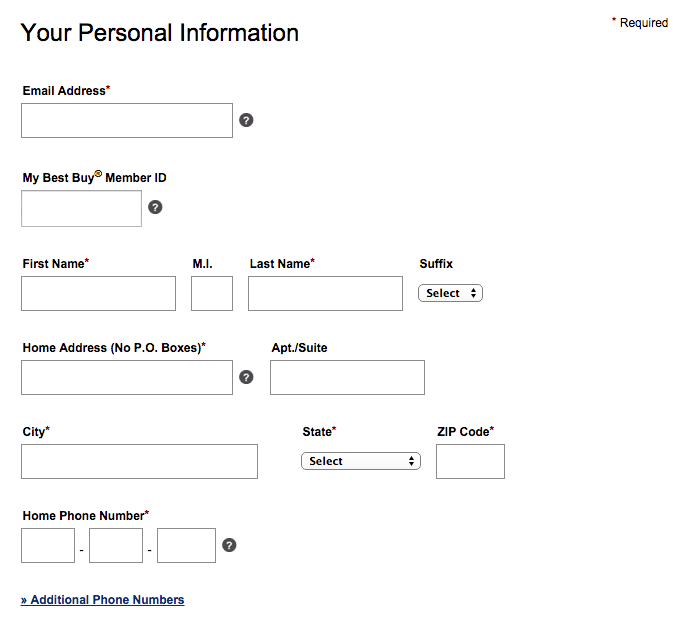
You must now begin to fill in the required information for the credit card application. The information that is required is marked by an asterisk (*) and we have provided a list of what you are required to enter in each section, which you can find below:
Personal Information
- Email address
- First name
- Last name
- Home address
- City
- State
- ZIP code
- Home phone number
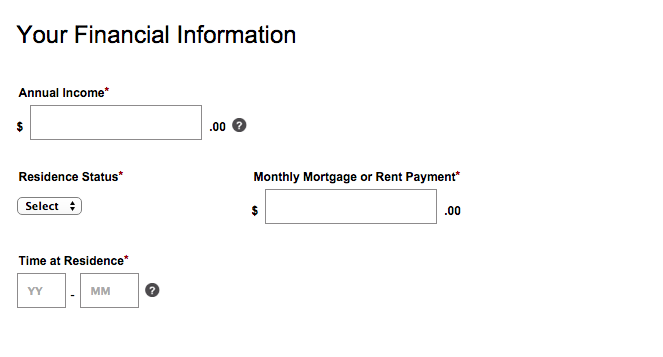
Financial Information
- Annual income
- Residence status
- Monthly mortgage or rent payment
- Time at residence
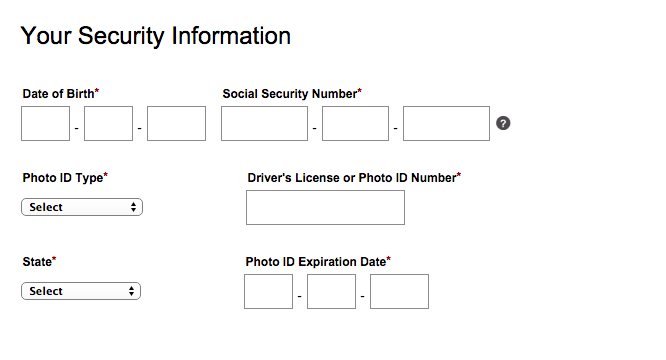
Security Information
- Date of birth
- Social security number
- Photo ID type
- Driver’s license or photo ID number
- State
- Photo ID expiration date
Manage Your Account Online
- Click the box if you would like to enroll in Paperless Statements and Letters

Important Information
- Read the Terms and Conditions and click the boxes to designate that you agree to them
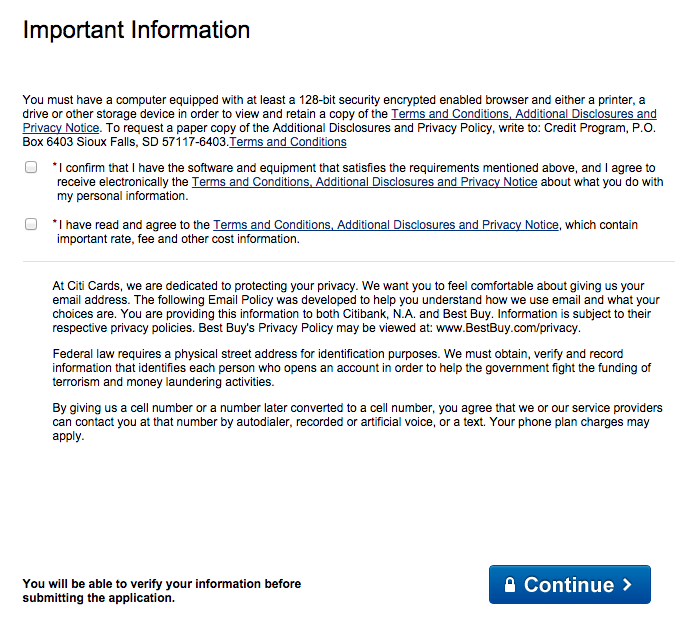
Step 4 – Review and Submit
Once you have entered all of the information into the appropriate fields, take a moment to read over the entire application to ensure that you have not made any mistakes while entering your information. Once you are certain that your application is free of error click the “Continue” button to finalize the application. You will be informed of the approval or rejection of your application within 24 hours of submission.