Boscov’s credit card information may be accessed via online banking to view account balances/recent transactions, view online statements, get email alerts, request t raise your limit, and to order a secondary card. All access may be obtained after logging in to your account.
How to Login
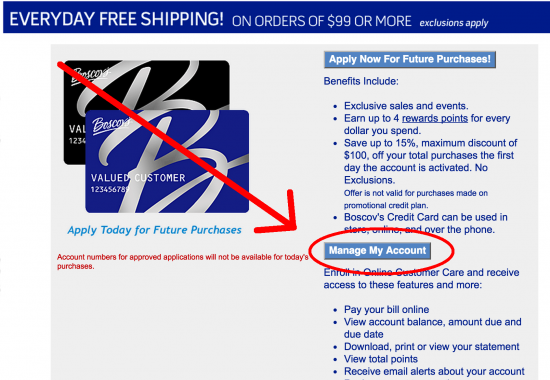
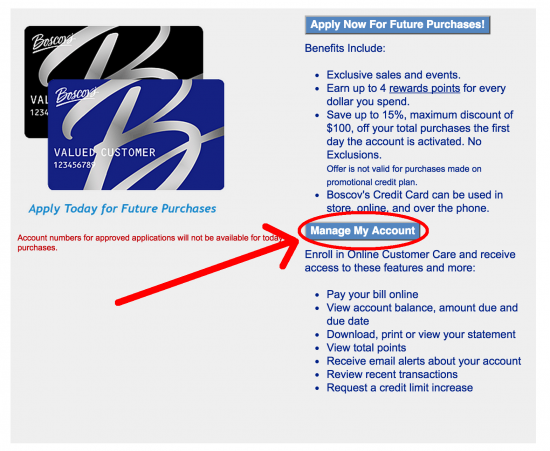
Step 1 – Go to This WebPage and click on the ‘Manage my Account’ button.
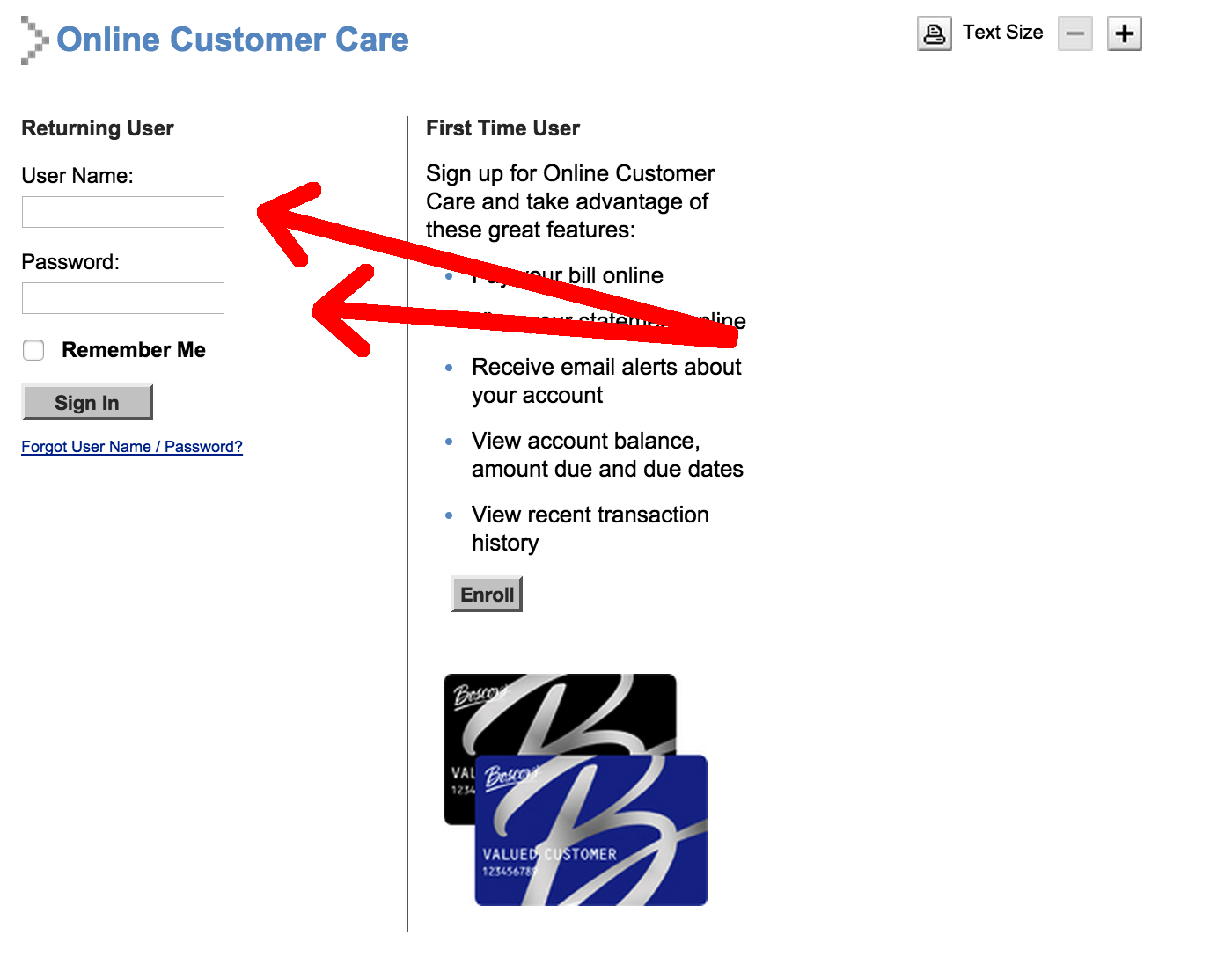
Step 2 – You will now be re-directed to the Boscov’s login page. Enter your User Name and Password to get in and access all your credit card information.
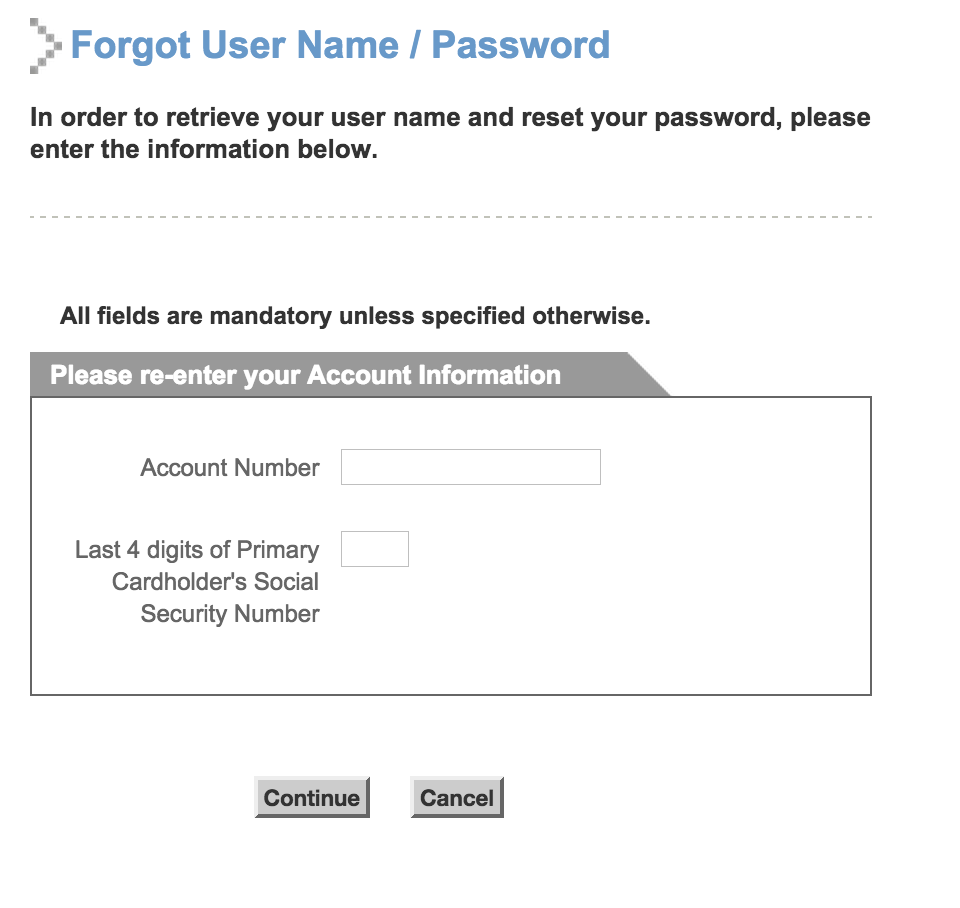
- Forgot Username/Password – If the individual has lost their username and password they may click on the link below the login area. It will ask for your account (card) number and the last 4 digits of the cardholder’s social security number.
How to Enroll
If you have received a card from Boscov’s either in-store or in the mail and want to register for online banking follow the steps below:
Step 1 – Go to This WebPage and click on the ‘Manage my Account’ button.
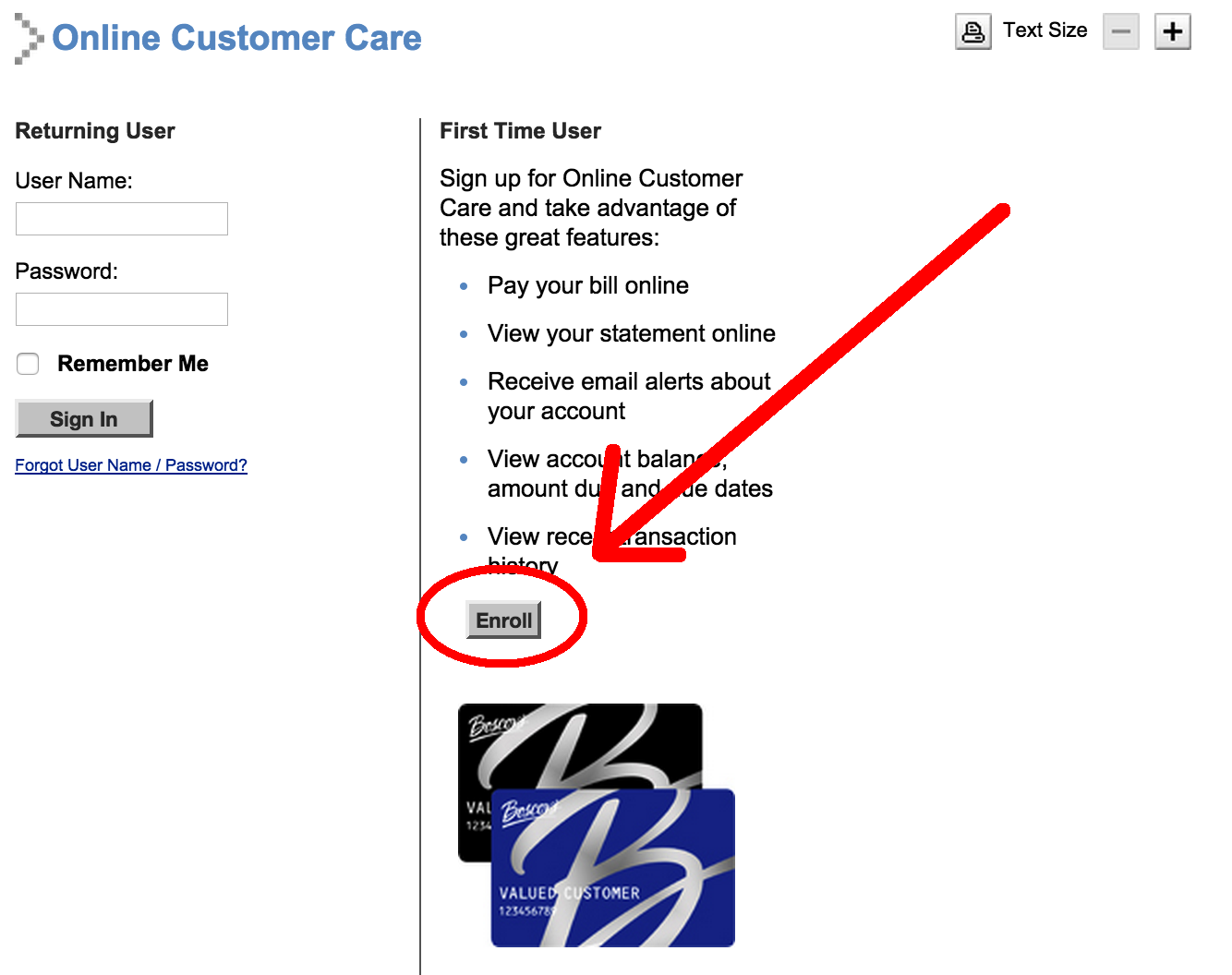
Step 2 – On the next page click on the ‘Enroll’ button.
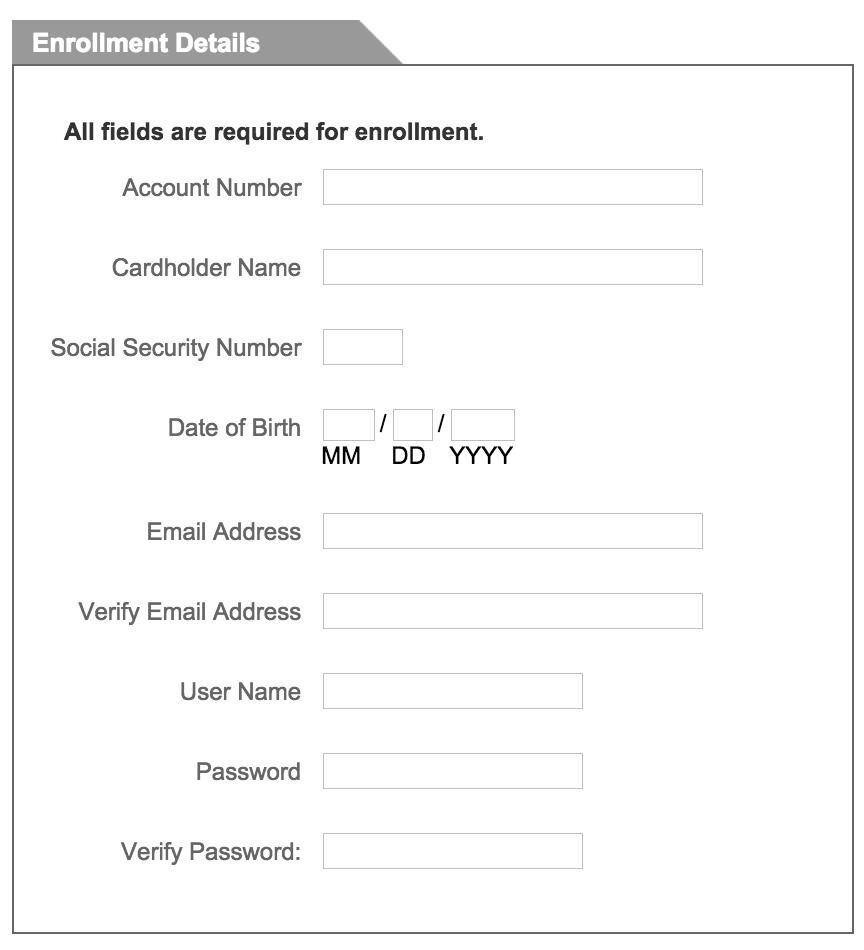
 Step 3 – Enter your personal details:
- Account Number
- Cardholder Name
- Social Security Number (SSN)
- Date of Birth (DOB)
- Email Address and Verify
- User Name
- Password and Verify
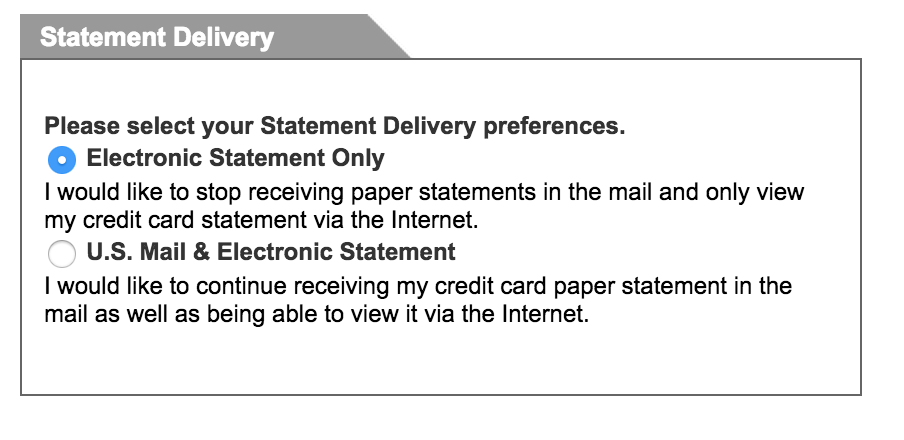
Step 4 – Choose your statement delivery method:
- Electronic Statement Only
- U.S. Mail and Electronic Statement
Step 5 – Select the free alerts you would like sent to you:
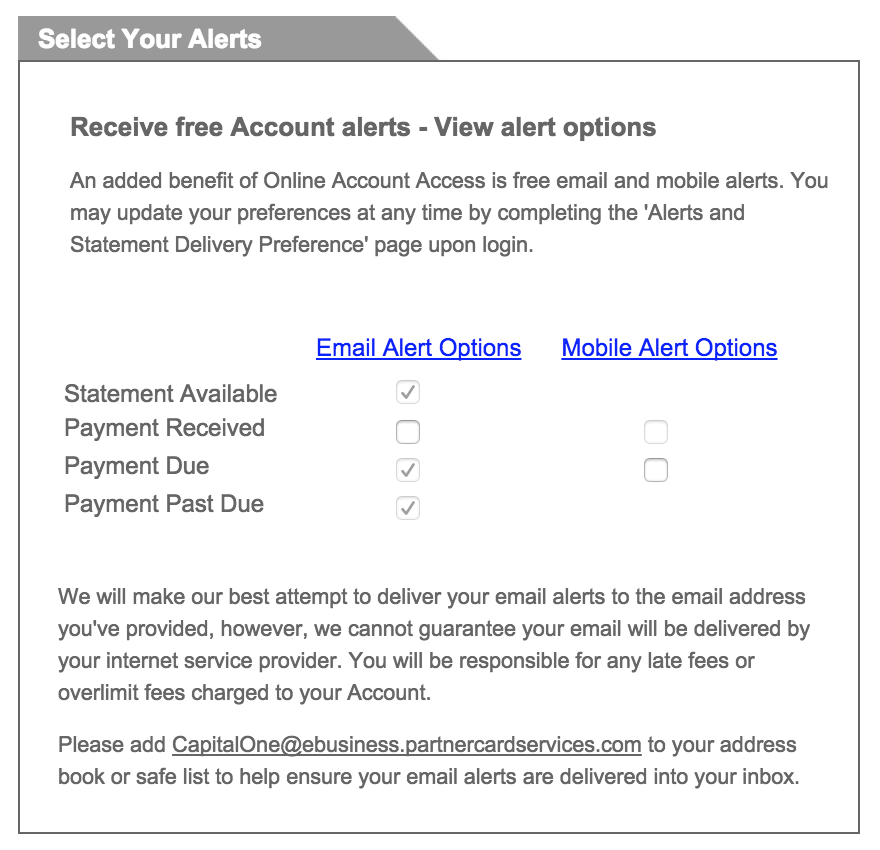
Step 6 – If you would like to receive mobile alerts enter your cell phone number. To complete the enrollment click on the ‘Continue’ button on the bottom of the page.